Print Zone – personalisation of clothing and accessories with a logo
The Print Zone is the place where you can personalise clothing and selected accessories by adding your company logo, team name, or your own graphic. This solution is for companies and teams that want a consistent, professional appearance at work – without unnecessary formalities and without a complicated ordering process.
Who is the print zone for?
It is most commonly used by teams and institutions from industries such as medicine, gastronomy, hospitality, laboratories, and services. If you are assembling clothing for employees or want to standardise the appearance of the service staff, the print zone allows you to quickly adapt products to the needs of a specific position and work style.
- companies and gastronomy establishments (kitchen and service staff)
- medical facilities and clinics
- laboratories
- hotels and service facilities
- schools and classes (e.g. gastronomy) and training groups
What can you personalise?
In the print zone, you will find products that can be marked with a print. Depending on the selected assortment, you can add a logo, company name, surname, position, or a simple graphic. This makes clothing and accessories clear for customers and convenient for the daily organisation of the team’s work.
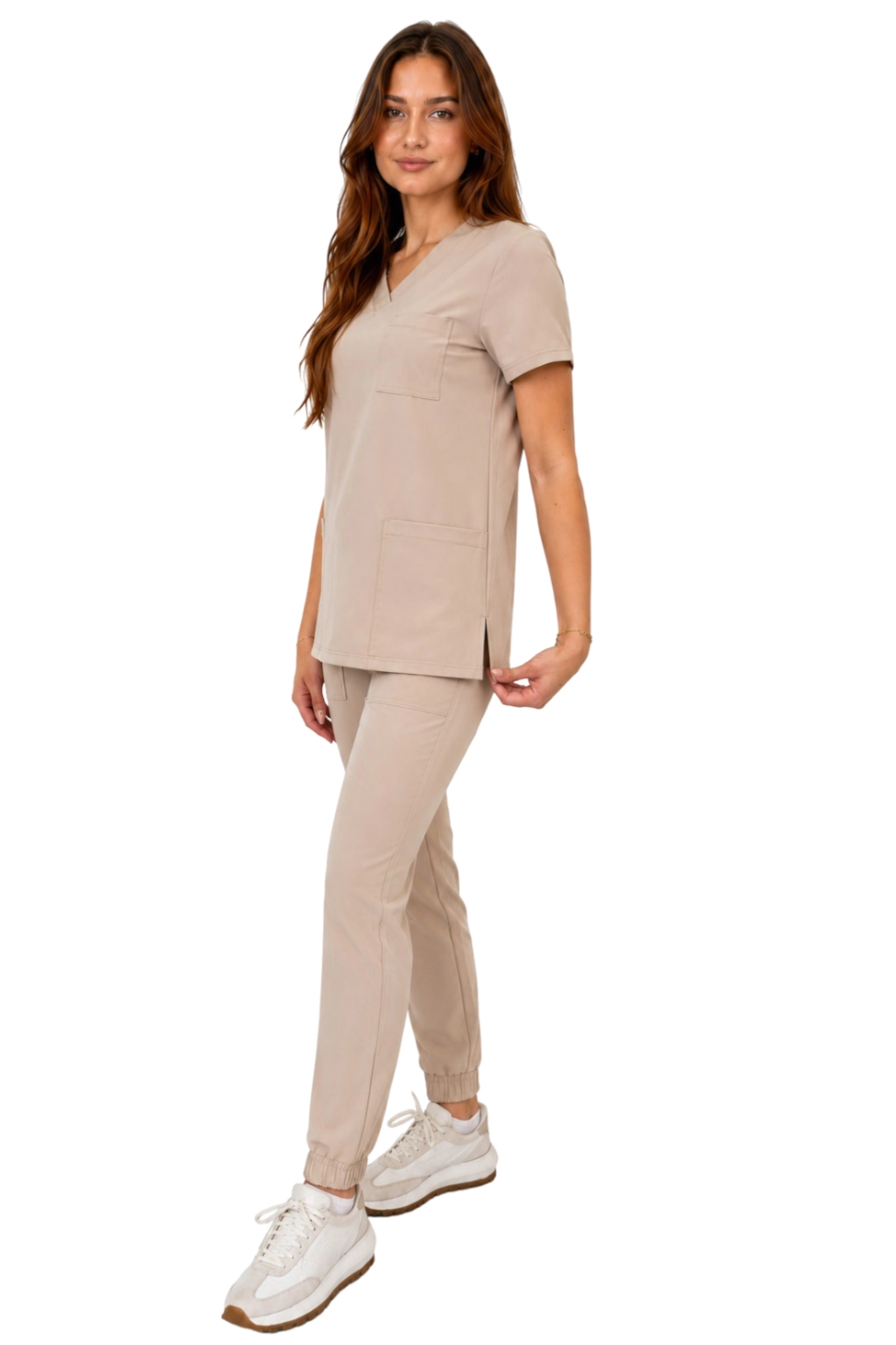
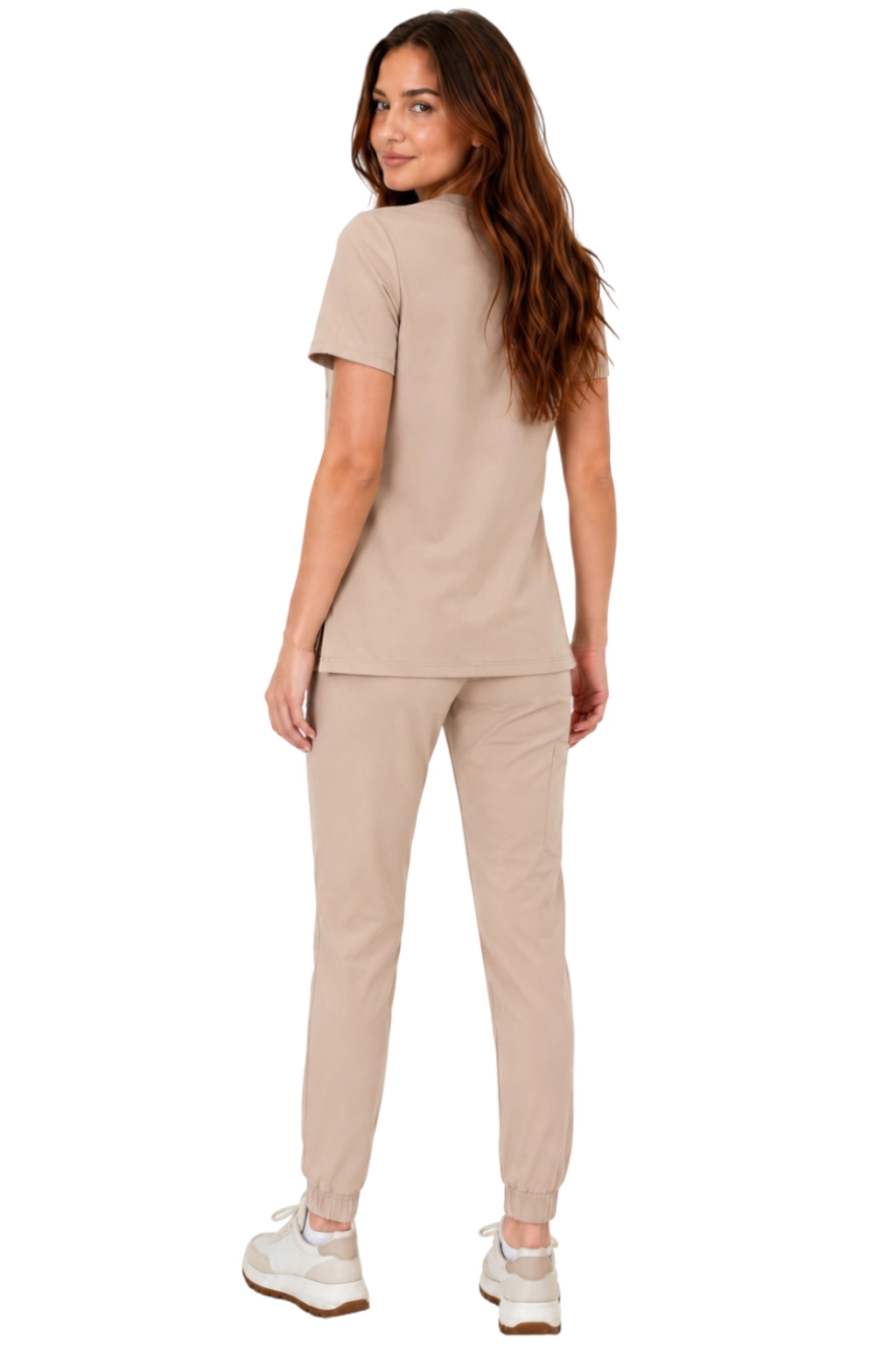
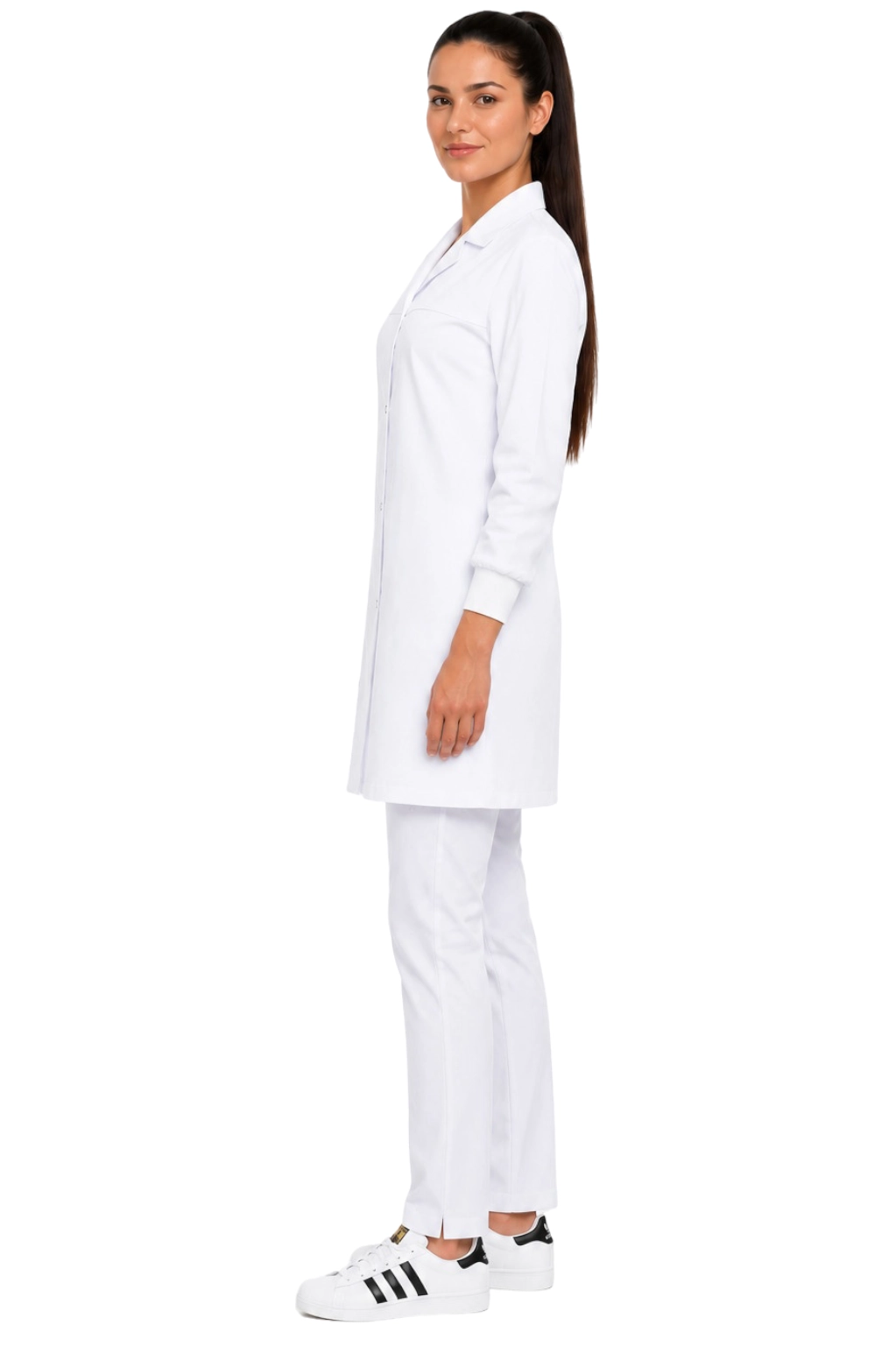
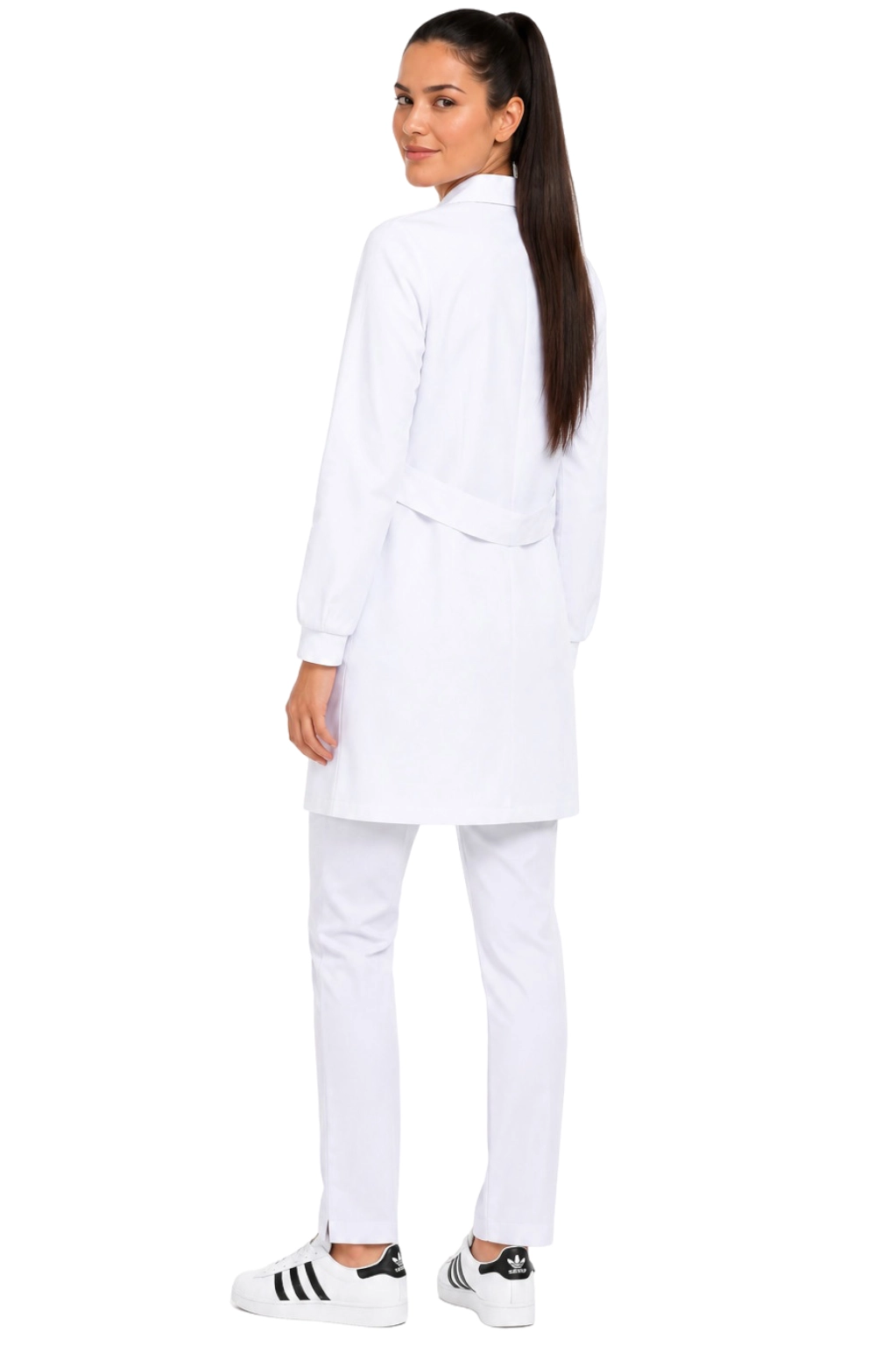
- employee and industry clothing (e.g. medical, gastronomy)
- elements of team sets
- selected accessories available in the offer
How does the creator and print order work?
The process is simple: you choose a product, add a print, and confirm the design. In practice, it looks like this:
- Select the industry or department in the print zone.
- Choose the product you want to personalise.
- Add the print (logo / name / graphic) and set its placement according to the options available with the product.
- Place the order and send files if required.
If you are ordering for a team, you can repeat the print on several products, maintaining a consistent appearance for the entire group.
Most common applications
- company logo on employee clothing
- name of the establishment / facility on uniforms
- first names, surnames, or positions (e.g. “Lifeguard”, “Chef”, “Laboratory Technician”)
- sets for students of vocational schools and classes
Go to the print category
Select the area that interests you and go to the appropriate category:
FAQ – print zone
1) Is the print a separate product or an add-on?
Most often, you choose the print as an option with the product in the print zone. If in your case the print acts as a separate add-on to the cart, use the item “Buy print service” and match it to the selected product.
2) What files are best for printing?
Vector files or high-quality graphics work best. If you are unsure, choose a design in the creator or upload the file in the best available quality.
3) Can I order prints on different products in one style?
Yes. You can apply the same print on several products so that the entire crew looks consistent (e.g. sweatshirts + aprons + bibs).
4) Can I add the name or position of an employee?
Yes, depending on the product and available personalisation options, you can add text, e.g. first name, surname, or position.
5) Where is the print placed?
Available print locations depend on the specific product. Details (e.g. front/back/chest area) can be found when configuring the product in the print zone.
6) Can the print be returned?
Personalised products usually have different return policies than non-printed products. Check the current return conditions and any exceptions in the return information in the store.
7) Is the print durable?
Durability depends on the technology and care method. We recommend following the washing and maintenance instructions provided with the product to keep the print in good condition for as long as possible.
8) How to order prints for a larger number of people (company, school, team)?
Choose products in the appropriate sizes, set one consistent print design, and add it to each item. If you need to standardise many elements, it is most convenient to start from the print zone and go through the categories.











 Fast delivery
  Trusted manufacturer
  Logo and name print
  Return within 30 days